A dispensary location page ranks when it gives Google and shoppers everything they need about one specific store: the exact name, address and phone number, current hours, a map and directions, parking and landmarks, pickup and delivery details, a link to that store’s menu, matching structured data and content that could only describe that location. This guide breaks down each element and the mistakes that keep location pages from ranking.
- Each storefront needs its own page, and that page should be the one your Google Business Profile links to.
- Local details such as landmarks, parking, entrances and delivery zones make a page useful and unique, which helps it rank.
- Store structured data should match the visible information on the page and your Google Business Profile exactly.
What a dispensary location page is for
A location page does two jobs. For search engines, it confirms that your store exists at a specific address, what it is and when it is open, which supports your Google Business Profile and helps the page rank for searches like “dispensary in Silver Lake”. For people, it answers the practical questions they have before a first visit: where exactly is it, where do I park, is it open, can I order ahead?
Most dispensary websites get this wrong in one of two ways. Either there is no dedicated page (the address lives in the footer and the profile links to the homepage), or the page is a thin block of contact details with nothing else. Both leave rankings and customers on the table. Location pages are one of the first things we review in any dispensary SEO project, and they connect directly to the strategy in our complete dispensary SEO guide.
The essentials at the top of the page
Put the information people need most where they see it first, especially on mobile:
- Store name, address and phone number (NAP). Write them exactly as they appear on your Google Business Profile, Weedmaps and Leafly. Small differences, like “Ste” versus “Suite”, are worth standardizing.
- Hours. Show today’s hours clearly, list the full week and note holiday hours ahead of time.
- Click-to-call and directions buttons. One tap to call, one tap to open directions.
- Order or menu button. A clear link to this store’s menu for pickup or delivery.
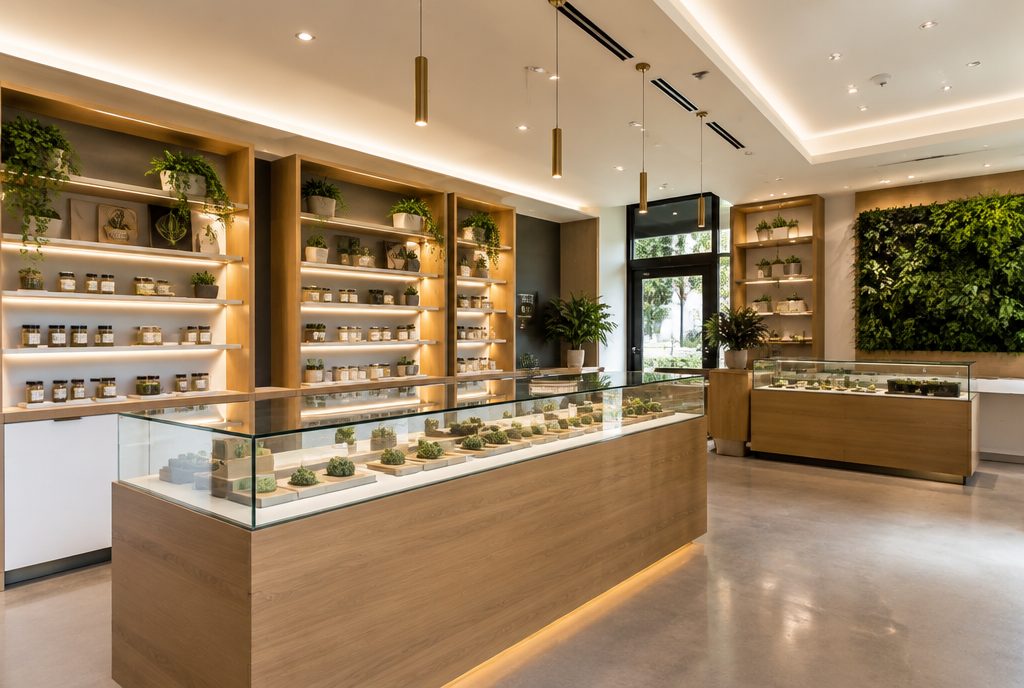
- A real photo of the storefront. It helps people recognize the building when they arrive.
Use a single H1 that includes the store name and neighborhood or city, for example “[Store Name] Dispensary in Highland Park”. Keep the title tag and meta description specific to this location too.
Map embed, directions and local details
This is where a location page stops being a contact card and becomes useful. Add an embedded Google Map of your exact location, then write the details a map cannot show:
- Landmarks: what the store is next to or across from, and which cross streets to look for.
- Parking: whether you have a lot, validated parking or street parking, and any time limits.
- Transit and access: nearby bus or rail stops, bike parking and accessible entrances.
- Entrance and check-in: where the door is if it is not obvious, how ID check works and what to bring on a first visit.
- Payment options: what you accept, stated plainly.
These details are naturally unique to each store, so they also solve one of the biggest problems with location pages: duplicate content. They also give AI assistants and search engines clear, factual answers to the questions shoppers ask. The approach is the same one we use across our local SEO work for any storefront business.

Pickup, delivery zones and menu links
Shoppers want to know how they can buy before they decide where to buy.
Pickup
Explain how online ordering and pickup work at this store: where to go, how long orders are typically held and whether there is express pickup. Keep the wording factual and check it against your state’s rules.
Delivery zones
If you are licensed to deliver from this location, list the neighborhoods or ZIP codes you cover, delivery hours, minimum order rules and how ID is verified at the door. A clear delivery section often answers “near me” searches better than a stack of separate city pages. If you do not deliver, say so to avoid confusion.
Linking to the right menu
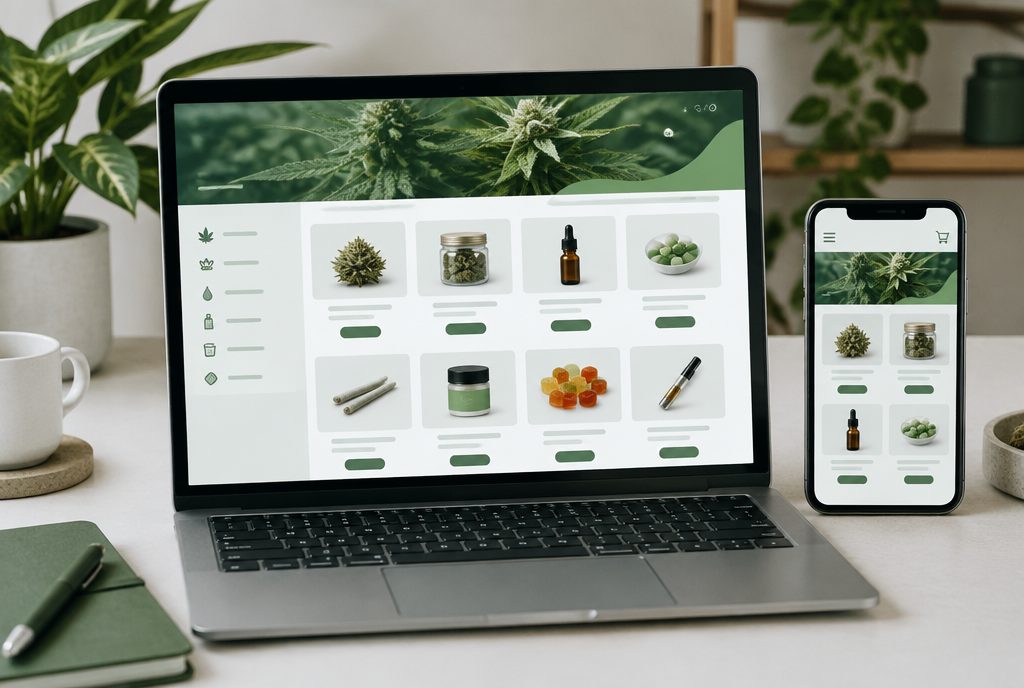
Link to this store’s menu specifically, not a general menu that makes the customer choose a store again. Avoid embedding the full menu on every location page. A heavy embed slows the page, and the product content usually belongs to your menu provider’s domain anyway. A short section on popular categories with links into the menu works better.
If your current site makes this difficult, our cannabis web design team builds location templates with these sections in place.
Are your location pages helping you rank?
We will review your location pages against your Google Business Profile and nearby competitors, then show you exactly what to add or fix.
Get a free location page review →LocalBusiness and Store structured data
Structured data helps search engines read your store details reliably. Google’s local business structured data documentation lists name and address as required, and recommends adding the most specific business type available. Schema.org does not have a dedicated dispensary type, so most dispensaries use Store, a subtype of LocalBusiness. Useful properties include:
- name, address and telephone matching the page and your Google Business Profile.
- url pointing to the location page itself.
- geo with latitude and longitude for the storefront.
- openingHoursSpecification for regular hours, updated alongside your profile.
- image using a real photo of the store.
- sameAs links to your official profiles, such as Weedmaps and Leafly listings.
- areaServed if you deliver, describing the areas you actually cover.
Keep markup honest. Everything in it should be visible on the page. Do not mark up reviews you have selected yourself expecting star ratings in search, because Google does not show review stars for reviews a business publishes about itself. Test your markup with Google’s Rich Results Test before publishing, and recheck it when hours change. A broader technical SEO review will also catch issues like slow embeds and crawl problems on the same pages.
Write content that only fits this location
Ask yourself: if I swapped the address and store name, would this page still make sense for a different store? If the answer is yes, the page is too generic. Good unique content includes:
- A short introduction to the store and the neighborhood it serves.
- Photos of this store’s exterior, interior and team.
- Answers to questions customers ask at this location, such as parking during busy hours or when the store is least crowded.
- Store-specific events or community involvement, kept within your state’s advertising rules.
- Recent reviews from this location, displayed with care and without health claims.
Avoid medical claims, anything that could appeal to minors and promotional wording your state regulates. Our Google Business Profile optimization work pairs well with this, since the profile and the page should tell the same story.
Common location page mistakes
- Linking the Google profile to the homepage instead of the location page.
- Inconsistent NAP between the page, the profile and directory listings.
- Hours that are out of date on the page while the profile is correct, or the other way around.
- Copy-pasted text across several stores with only the address changed.
- Full menu embeds that slow the page without adding indexable content.
- Pages for places you do not serve, which can look like doorway pages.
- No internal links pointing to the page from your homepage, navigation or locations hub.
Fixing these is usually quick, and it supports the other work covered in our guide to ranking for “dispensary near me”.
Frequently asked questions
Does every dispensary location need its own page?
Yes. Each storefront should have a dedicated page with its own address, hours, directions and menu link, and that page should be the website link on the location’s Google Business Profile.
What schema type should a dispensary use?
Schema.org has no dedicated dispensary type, so most dispensaries use Store, which is a subtype of LocalBusiness. Include name, address, telephone, url, geo and opening hours that match the visible page.
Should I embed my full menu on the location page?
Usually not. A full embed slows the page and the product content often belongs to the menu provider’s domain. Link clearly to the store’s menu and summarize popular categories instead.
How long should a dispensary location page be?
There is no ideal length. Include everything a first-time customer needs, including hours, directions, parking, pickup and delivery details, without padding the page with generic text.
Can I create location pages for nearby cities without a store there?
Only if you genuinely serve those areas, for example through licensed delivery, and only with information specific to them. Pages for places you do not serve can be treated as doorway pages.